
Step 1. Plug OKIOCAM into a USB port on your computer and the system will detect it automatically without the need for an additional driver.
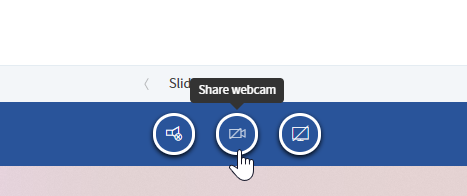
Step 2. Click Share webcam in Infiniti.
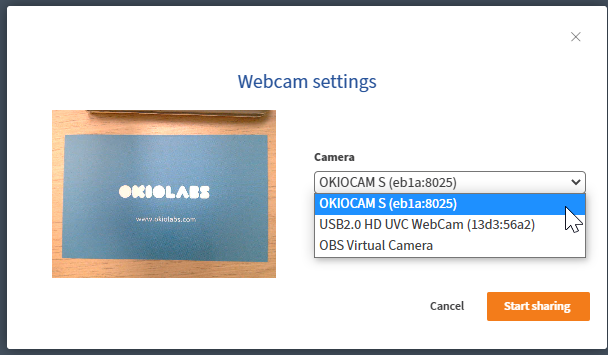
Step 3. In Webcam settings, choose OKIOCAM from the camera list. Click Start sharing.
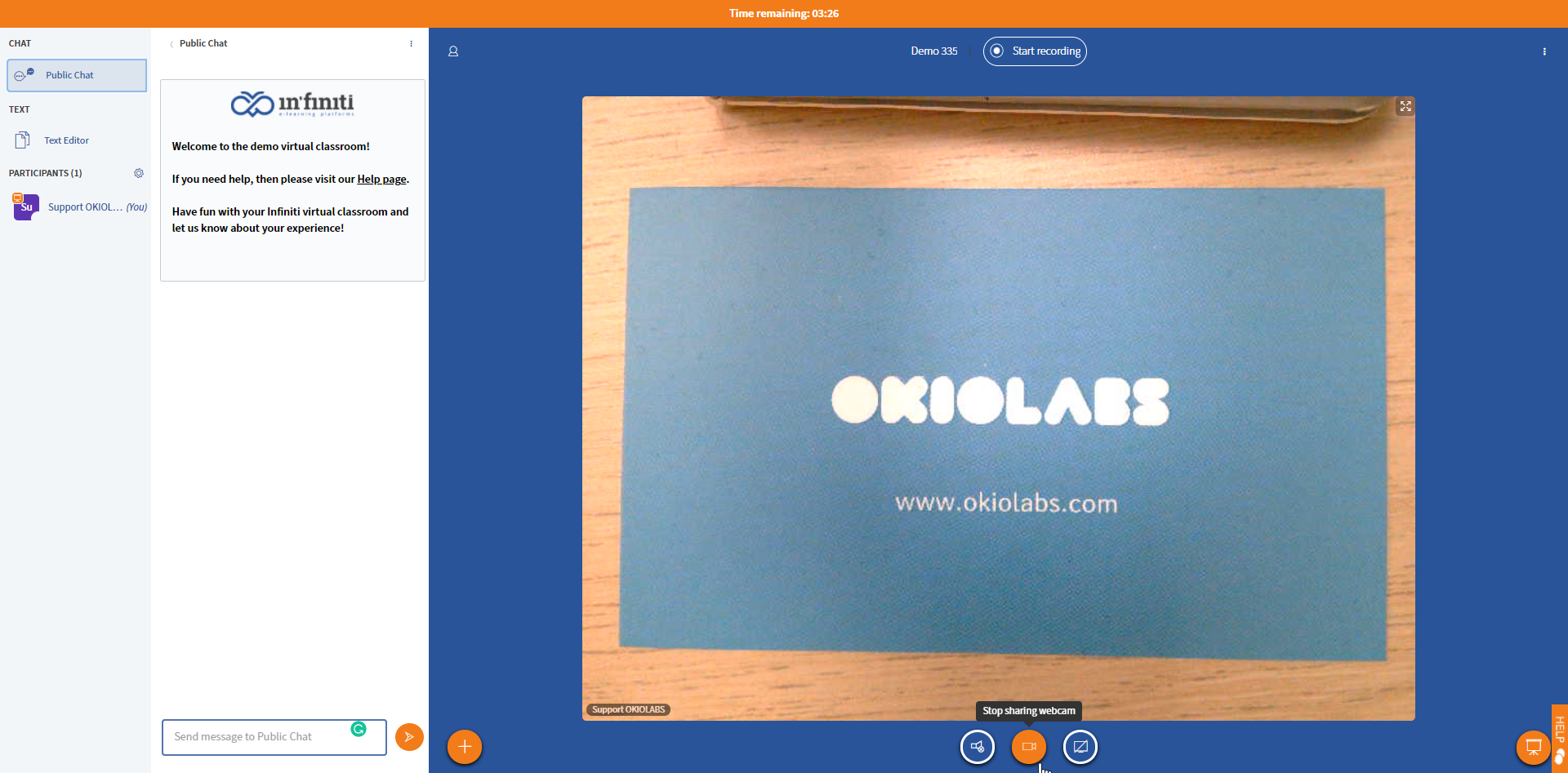
Step 4. You are now sharing the image captured by OKIOCAM. Click Stop sharing webcam to stop.
Comments
0 comments
Please sign in to leave a comment.