
1. Select System Preferences from the Apple menu and click the icon labeled Security & Privacy.

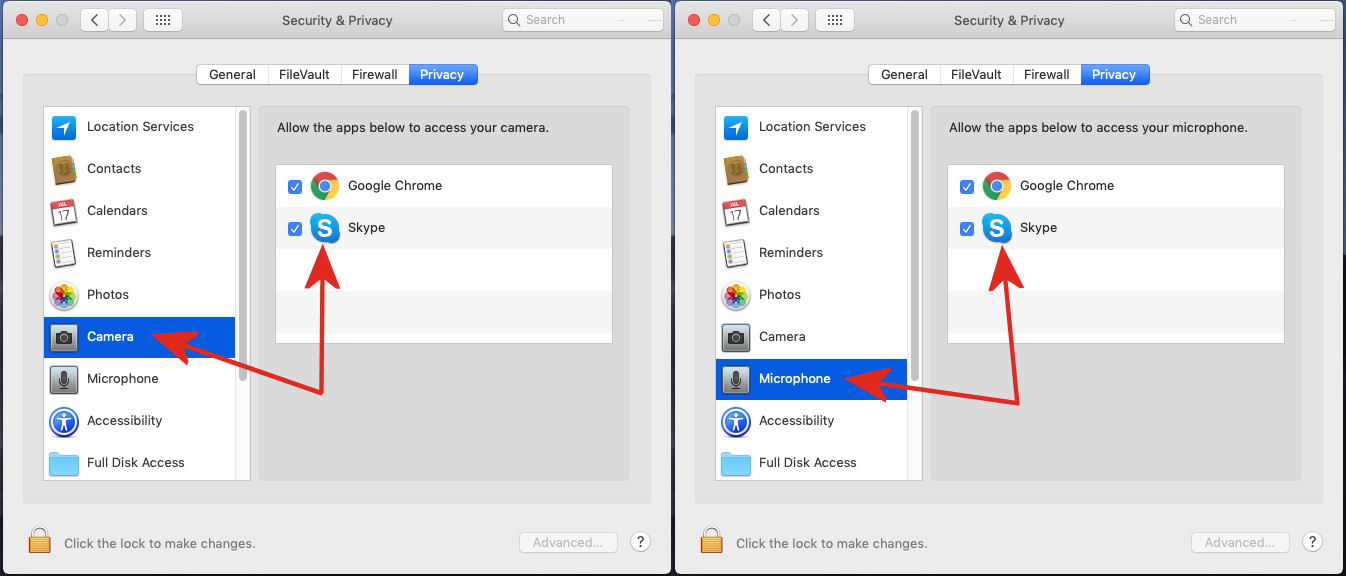
2. In the Privacy tab, check that every app you wish to use with your OKIOCAM has permission to access your camera and microphone. If you are trying to use any of our OKIOCAM Google Chrome extensions, please ensure that Google Chrome can access your camera and microphone.
Comments
0 comments
Article is closed for comments.